Structured context
Tally reads supported LedgerHQ accounting and workflow data through typed tools, not a hidden copy of the books.
Inside Tally
Tally turns a bookkeeping request or operating signal into a scoped, tool-based workflow: understand the firm or company, gather current evidence, act within authority, and leave a result people can inspect.
Tally reads supported LedgerHQ accounting and workflow data through typed tools, not a hidden copy of the books.
The firm chooses work modes, duties, limits, and advanced permissions that shape what Tally should do.
Jobs, automations, actions, approvals, activity, and accounting records make operational work inspectable.
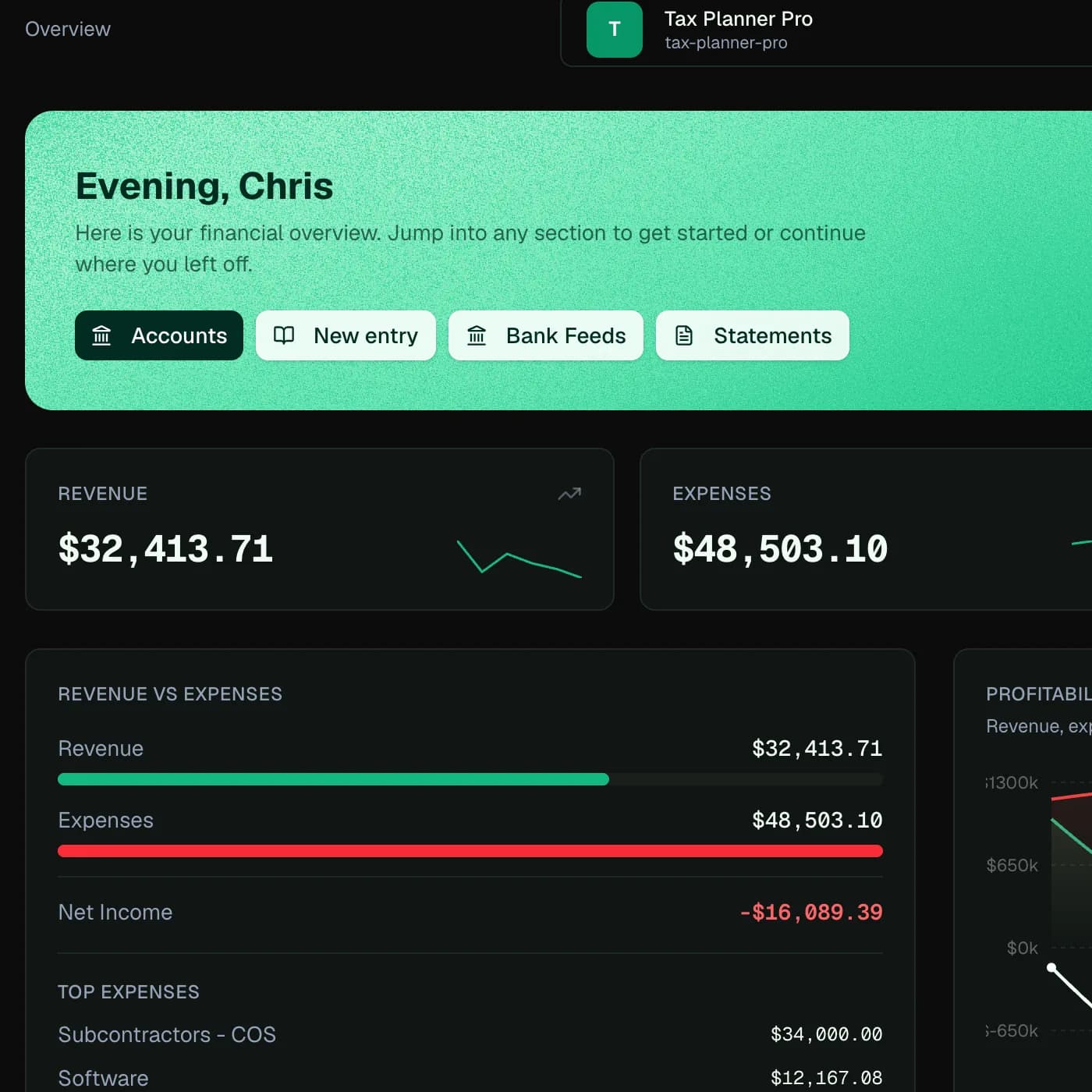
A firm-wide question can look across the companies the user and Tally are allowed to access. A company-specific task resolves to that company before protected accounting context is read or changed.
This prevents a conversational shortcut from becoming a tenant or company-boundary shortcut.
Tally can use supported tools to inspect bank-feed queues, chart accounts, journal records, statements, reconciliations, reports, requests, jobs, and other approved surfaces.
The model is expected to use current records rather than claim that a task is ready based on a generic assumption. If the evidence is missing, that absence becomes part of the result.
A useful Tally answer distinguishes explanation, prepared work, and completed work. Prepared work should point to the approval or next action. Completed work should point to the resulting company, record, job, action, or activity.
This evidence boundary is especially important when a task spans several model turns or continues in a background worker.
How the workflow moves
The exact action depends on permissions, company context, and the evidence available. The workflow stays inspectable from intake through review.
The firm can review Tally settings, Activity, approvals, and resulting accounting records, and can pause Tally when behavior or data quality needs investigation.
Tally is not an unrestricted database agent and does not create support for product modules that LedgerHQ itself does not support.
Questions
Tally is designed to work through supported LedgerHQ tools and services with scope and policy checks, not an unrestricted conversational back door.
The work can pause for an approval, decision, missing document, confirmation, warning resolution, or clarification. Activity is the supervision view for that work.
Yes. Authorized firm users can pause new Tally work and use the problem-report path when behavior or data quality needs investigation.
Look for the resulting LedgerHQ record, job, action, approval state, or activity evidence. A chat statement by itself is not proof of a book change.
Keep exploring