Two-file financials path
The supported migration uses a Chart of Accounts CSV and a Journal CSV as the accounting source.
QuickBooks migration
LedgerHQ supports QuickBooks financials migration from Chart of Accounts and Journal CSV files, with upload, preview, validation, import history, and explicit confirmation when existing ledger data would be replaced.
The supported migration uses a Chart of Accounts CSV and a Journal CSV as the accounting source.
Review parsed accounts, journal entries, balance, warnings, and current-company impact before committing.
Replacing existing ledger data requires an explicit, current confirmation rather than an accidental re-upload.
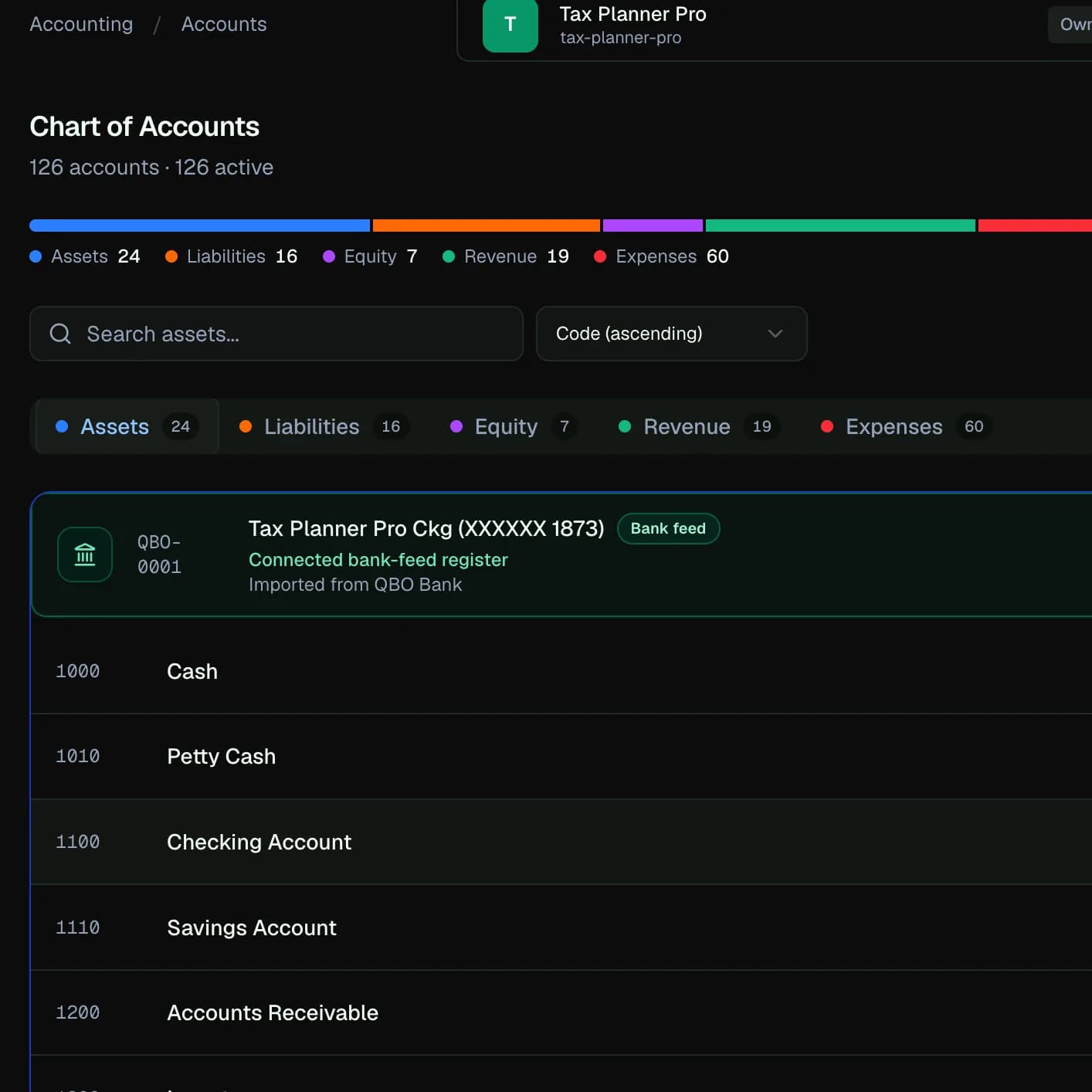
The supported QuickBooks financials path focuses on the chart of accounts and journal history needed to establish LedgerHQ books. It is not a promise to copy every QuickBooks setting, attachment, operational module, bank connection, or third-party app relationship.
Firms should preserve the source export and define the intended cutoff before upload.
A preview should show whether accounts can be normalized, journal entries balance, dates and amounts parse correctly, and existing company data would be replaced.
Warnings should be resolved from the source data or an intentional mapping decision—not ignored simply to make the import finish.
A successful import creates a starting accounting history, not a finished operating setup. The firm should review the chart, trial balance, financial statements, registers, bank-account mappings, statement coverage, and reconciliation readiness.
New bank activity should begin from a clear cutoff so it does not duplicate imported journal history.
How the workflow moves
The exact action depends on permissions, company context, and the evidence available. The workflow stays inspectable from intake through review.
Uploads and imports remain company-scoped. Preview comes first, and replacement of existing ledger data requires explicit confirmation tied to the current import plan.
The migration does not claim one-click parity for payroll, inventory, projects, attachments, bank rules, reconciliations, app integrations, or every QuickBooks feature.
Questions
LedgerHQ supports a financials import from QuickBooks Chart of Accounts and Journal CSV exports.
A preview identifies replacement impact. Replacing existing ledger data requires explicit confirmation; firms should never run replacement without reviewing the current company and plan.
No. Plaid bank activity is configured separately in LedgerHQ after the financial history and cutoff are reviewed.
Keep exploring